
Update firmware
Install the latest firmware for your device (XMOS and Bluetooth if applicable) from the Download Hub. For ZEN/NEO Stream, update via ifi.local, the iFi Stream app, or your device's IP address.
iFi audio Customer Service & Technical Support
Customer rating 4.7 out of 5 4.7 out of 5
Tip: For the fastest response possible, please do not send a duplicate message on the same ticket, which automatically puts your ticket at the back of the queue. To help us expedite your ticket, please submit only one ticket for each question/issue. Thank you!
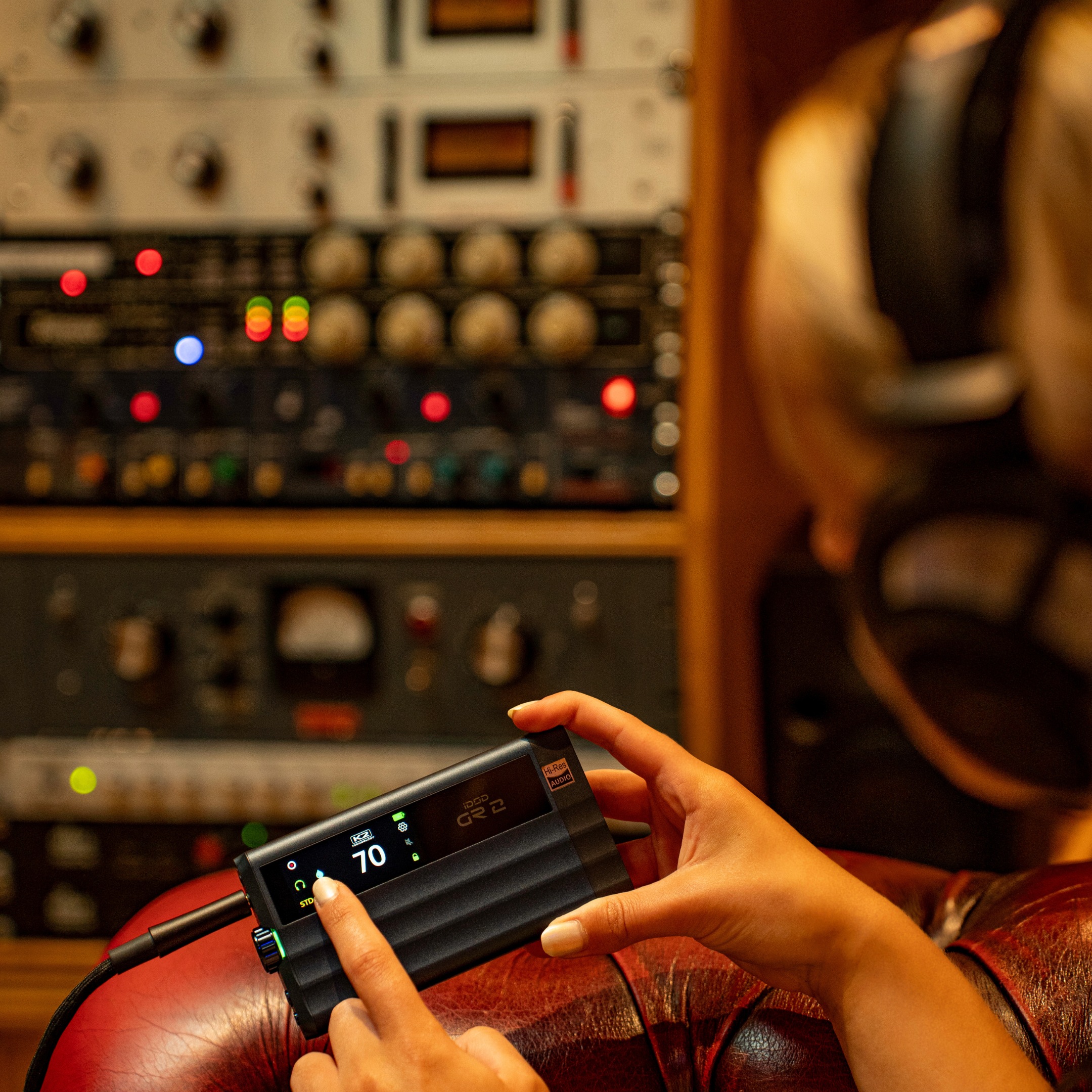
Many issues can be resolved in minutes. Work through the steps below, they cover the most common fixes our support team recommends.
Install the latest firmware for your device (XMOS and Bluetooth if applicable) from the Download Hub. For ZEN/NEO Stream, update via ifi.local, the iFi Stream app, or your device's IP address.
Uninstall, then reinstall the latest Windows USB driver (if applicable). Use the same download link as above.
Make sure your music player is up to date on Windows, macOS, Android, and iOS.
Unplug and restart your devices - a full power cycle clears many transient issues.
For networked devices, use the best connection available: Ethernet (best), 5 GHz Wi-Fi (better), or 2.4 GHz Wi-Fi (basic).
Many questions are already answered in our FAQs and Product Guides.
Still stuck after trying these? Our team is here to help.
Create a ticketTrack existing tickets, open a new request, or look up warranty and registration details — all from one place.
Log in and go to My Tickets in the menu. Haven't submitted a ticket before? Create one first - the email you provide becomes your account login. New to the portal? Reset your password from the login screen.
Log in to view ticketsCan't find your answer in our Product Guides or FAQs? Submit a ticket with as much detail as possible - include steps to reproduce - and we typically respond within two business days.
Create a ticketKeep your product covered and your details up to date with iFi audio.